
Auto-tune is two different things that share one name. Most producers use it quietly, to nudge the few notes of a vocal that are slightly off. Other artists use it loudly, as the robotic, stepping sound heard all over pop and hip-hop. Both are done the same way, with one setting that decides which sound you get.
This guide explains how auto-tune works, how to autotune your voice for free online, on a phone or in a DAW, and the settings that make it sound natural or deliberately robotic.
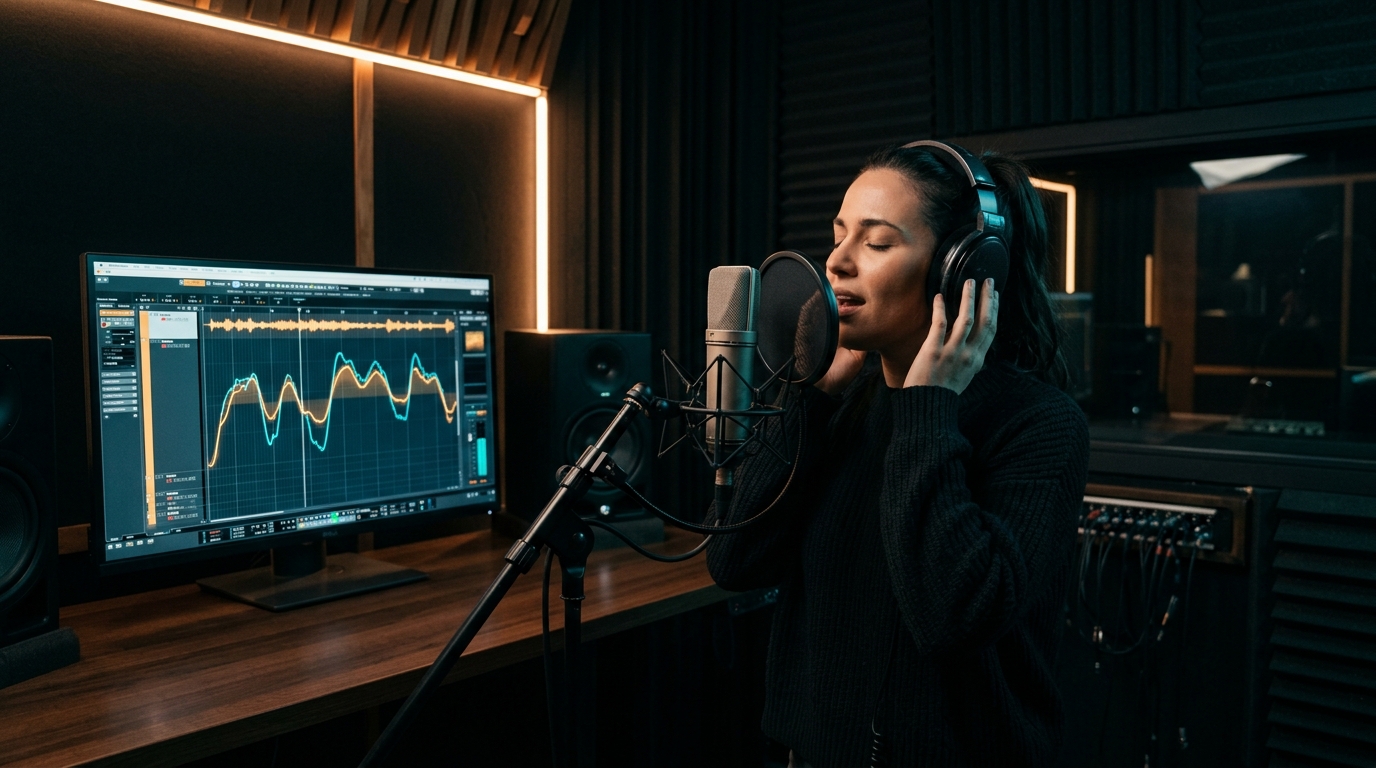
How to autotune your voice, in short
- Record a clean vocal with no music on the same track.
- Find the song's key, for example A minor.
- Open an auto-tune tool: a free online one like Neural Auto-Tune, a phone app, or a plugin in your DAW.
- Set the key and scale to match the song.
- Set the retune speed: slow for natural correction, fastest for the robotic effect.
- Listen, adjust and export, then mix the tuned vocal back over the beat.
How auto-tune works
An auto-tune tool listens to your voice and works out which pitch you're singing, many times per second. It then compares that pitch with the notes allowed in the key and scale you chose, and moves the voice to the nearest allowed note.
Two settings decide everything:
- Key and scale. These are the "allowed" notes. If they're wrong, the tool pulls good notes to wrong ones and the vocal sounds off in a way that's hard to explain. Get this right first.
- Retune speed (also called correction speed). How quickly the tool moves a note once it has decided it's off. Slow means your natural slides and vibrato survive and only the average pitch is fixed. Fastest means the note jumps instantly, with no slide between notes. That jump is the famous "T-Pain" sound.
How to autotune your voice online for free
You don't need to install anything. The SongUp AI Neural Auto-Tune runs in your browser and is free with a free account. Your vocal isn't uploaded; it's processed on your device.
- Record or upload your vocal. Use the built-in recorder or upload a file. A dry vocal (no reverb, no music on it) gives the best result.
- Choose the key and scale. Major, minor, pentatonic, blues, Dorian, Mixolydian or chromatic. Chromatic allows all 12 notes, so it only fixes notes that sit between two semitones; use it when you don't know the key.
- Set the correction speed. Start slow for natural pitch correction. Turn it to the fastest setting for the hard-tuned effect.
- Play it back and compare. If notes jump to the wrong place, the key is wrong. If it sounds robotic and you didn't want that, slow it down.
- Download the tuned vocal and put it back over your beat.
If your vocal is still inside a song, take it out first with the free acapella extractor, tune it, then mix it back with the Smart Auto-Mix.
How to find the key of your song
- If you made the beat, you probably know the key: it's usually the chord the song starts and ends on.
- If you didn't, run the beat through the free key and BPM finder or chord recognition. Both tell you the key in seconds.
- Minor or major? If the song sounds sad or dark, try minor first. A minor key and its relative major (A minor and C major, for example) contain the same notes, so either works for pitch correction.
Natural auto-tune vs the robotic effect
| You want | Retune speed | Scale | Tip |
|---|---|---|---|
| Invisible correction | Slow | The song's exact key | Fix only the phrases that need it |
| Modern pop polish | Medium | The song's exact key | Keep the vibrato; double the chorus |
| Hard-tuned, robotic | Fastest | The key, or a pentatonic scale | Sing with clear, separate notes |
| Glitchy, stepping effect | Fastest | A scale with few notes | Slide between notes on purpose |
The robotic effect shows most on long notes and slides. Sing those on purpose and it becomes a style, not a mistake.
Autotune on a phone
Most phone recording apps, such as BandLab and many karaoke apps, include an auto-tune or pitch-correction effect with a strength slider. You can also use the browser tool above in your phone's browser. Use wired headphones while you record, so the beat doesn't leak into the vocal microphone.
Autotune in a DAW
In a DAW (FL Studio, Logic Pro, Ableton Live, GarageBand and others), auto-tune is a plugin on the vocal track. Antares Auto-Tune is the best-known; Logic has Pitch Correction and Flex Pitch built in, FL Studio has Pitch Correction and Newtone, and there are free plugins such as MAutoPitch and GSnap. The settings are the same as above: key, scale and retune speed. If you want a free alternative to Auto-Tune without installing anything, see SongUp AI vs Antares Auto-Tune.
Tips for a better tuned vocal
- Sing as well as you can first. Auto-tune fixes pitch, not timing, tone or a weak performance.
- Record dry. Add reverb and delay after tuning, never before.
- Cut the noise. Hum and hiss confuse pitch detection; clean them with the free noise remover.
- Tune before you double. Tune the main vocal first, then the doubles and harmonies, so they all line up.
- Check your range. If you're straining on high notes, the song may be in the wrong key for you; see how to find your vocal range and use the free pitch changer to move the beat.
Frequently asked questions
Can I autotune my voice for free?
Yes. The SongUp AI Neural Auto-Tune works in your browser and is free with a free account, with no install. Many phone apps also have a free pitch-correction effect.
How do I get the T-Pain effect?
Set the retune speed to its fastest setting and choose the song's key. Notes then jump instantly to the nearest note in the scale, with no slide between them.
Why does my autotuned vocal sound wrong?
Usually the key or scale doesn't match the song, so the tool pulls notes to the wrong place. Find the key with a key finder and set it again. A retune speed that's faster than you wanted is the other common cause.
Does auto-tune make you a better singer?
It fixes pitch, but not timing, breath, tone or emotion. A good performance with light correction always sounds better than a weak one with heavy correction.
Can AI sing my lyrics in tune for me?
Yes. If you'd rather not sing, the AI song generator can sing your own lyrics in a style you choose, in 76 languages.